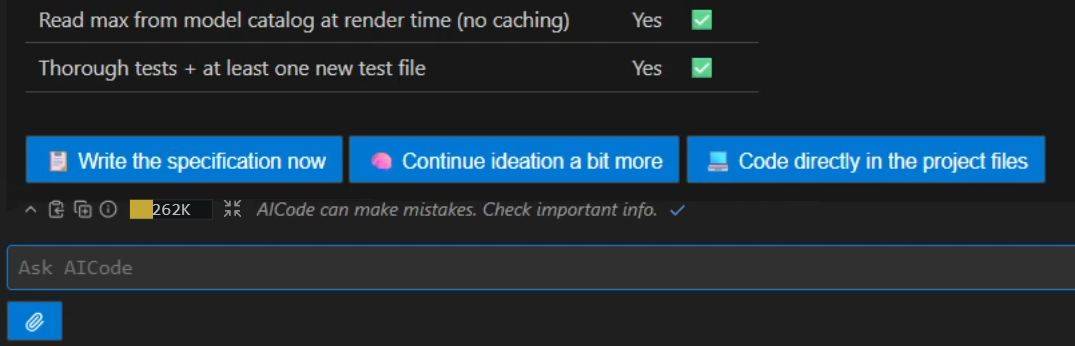
Spec-driven workflow
Every change is designed, corrected and locked in plain language before a single line of code exists. The control happens where it is 100x cheaper.
Ideate
Interactive conversation until both the model and developer converge on a shared, precise understanding of the task.
Specify
The AI generates a formal specification from the ideation session. You read it, correct misunderstandings, and lock the design.
Refine
The AI audits the spec against the real codebase, as many times as you want. Each pass catches more design flaws before a single line is written.
Code
The AI generates code in a virtual workspace. You review and accept changes file by file. Nothing is written to disk without your approval.
Verify
Post-implementation audit: the AI checks every line against the spec, reports non-compliance, and proposes targeted adjustments.
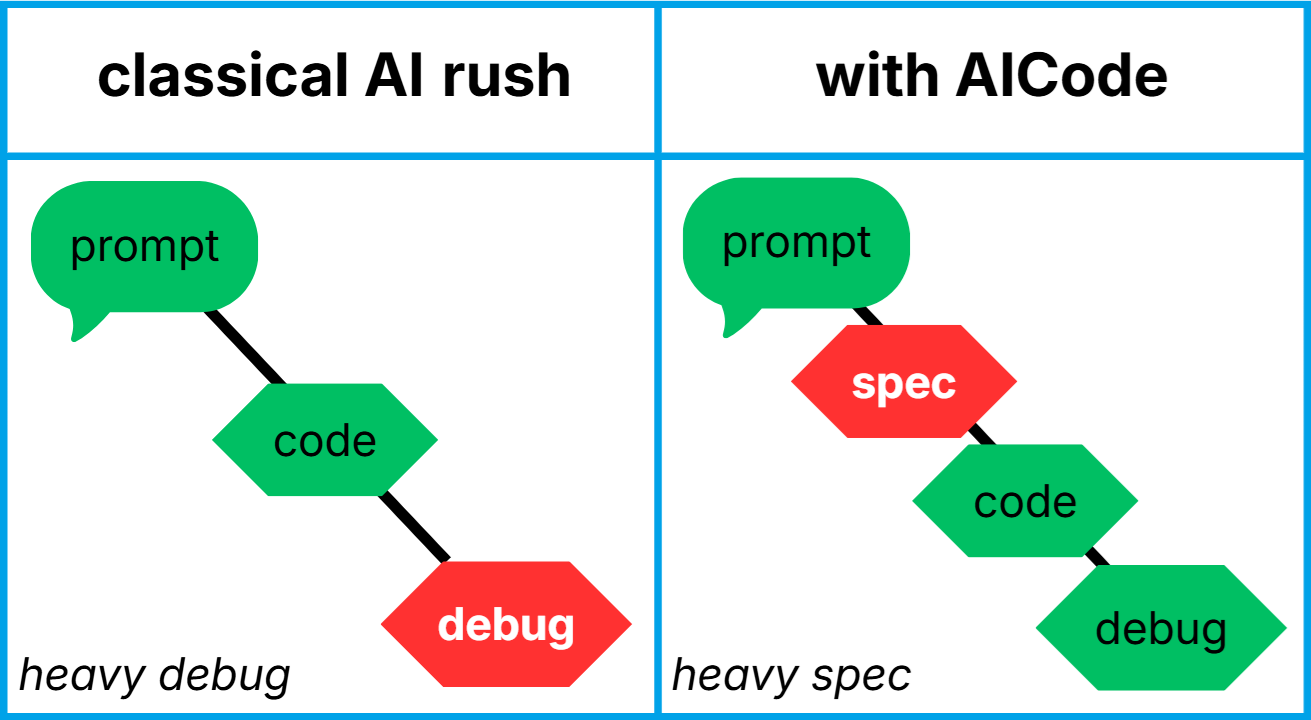
The shift-left 100/1 rule.
The golden rule of cost: A bug caught during the specification phase is 100x cheaper than a bug found in production. AICode shifts the effort from late debugging to proactive specification.
By proposing an interactive Ideate → Specify → Refine loop, AICode catches architectural errors before code generation, neutralizing technical debt at the source.
One workflow. Five stages.
Zero guesswork.
Ideate → Specify → Refine → Code → Verify. An authentic session, accelerated.
The agent audits itself.
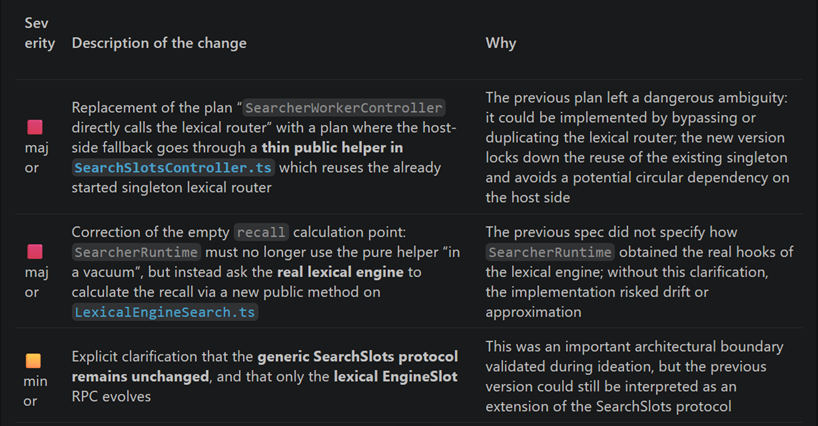
Rigor without friction.
Rigorous by design. Invisible by default. Zero-friction adoption.
How to enforce a safety harness without slowing down developers? AICode's answer: The invisible AI.
Zero learning curve: No rigid pipelines, no complex commands to memorize. The developer stays in their natural flow. On the surface, the tool is as permissive as a standard assistant.
Intent-aware UX: The developer expresses a natural need ("this file is too large", "it won't compile", "fix this bug"). The orchestrator detects the intent and silently pulls the relevant procedure. Advanced workflows remain accessible on demand or suggested via interactive buttons. The developer always stays in command.